For camera clubs
Your club evening – without the voting sheet
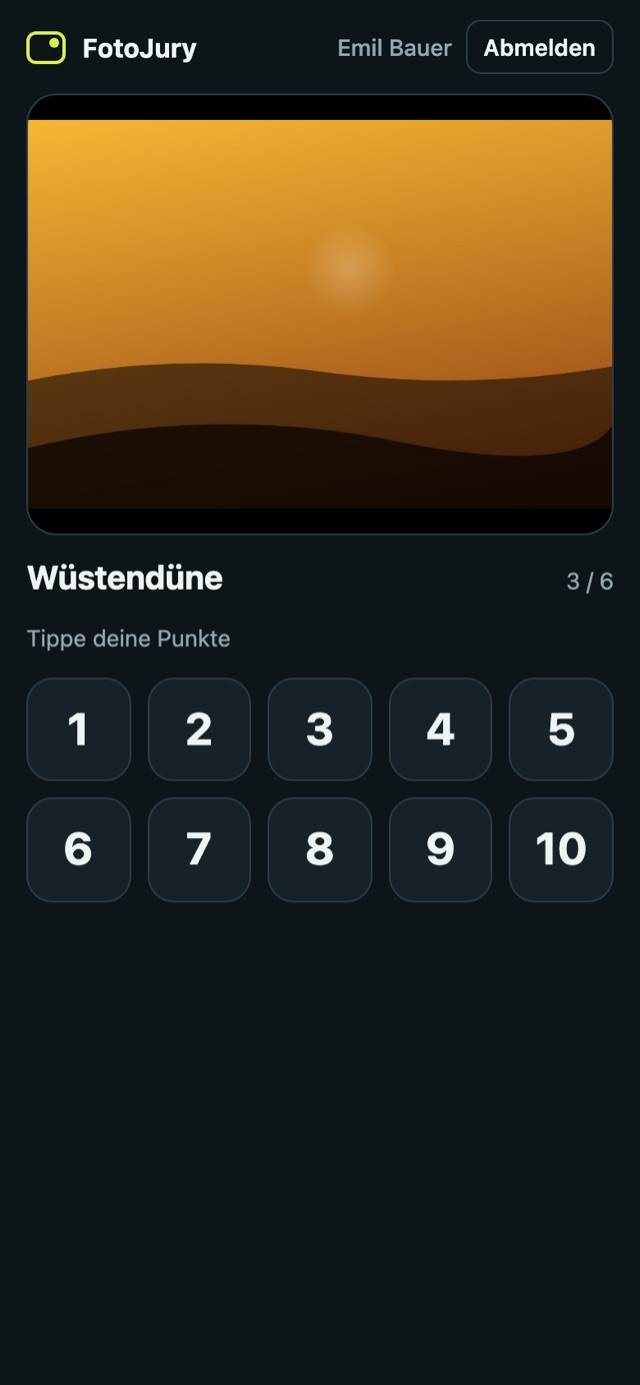
The pictures appear on the projector, every member votes 1 to 10 on their phone. As soon as all votes are in, the next picture follows. At the end: critique round from last place to first.
{month} per month per club · cancel monthly
Everything you already have
One laptop
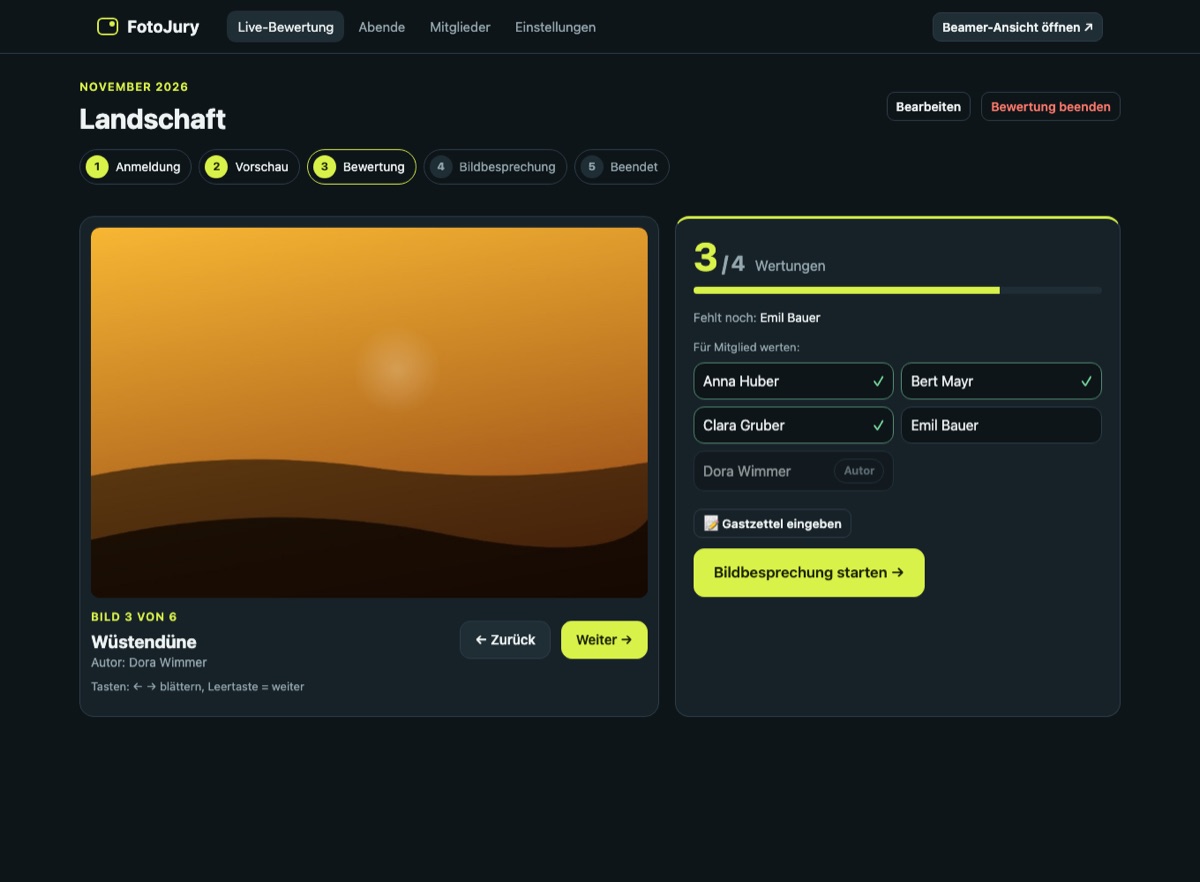
Runs the club evening: members, pictures, results. Everything is stored on the laptop.
Projector
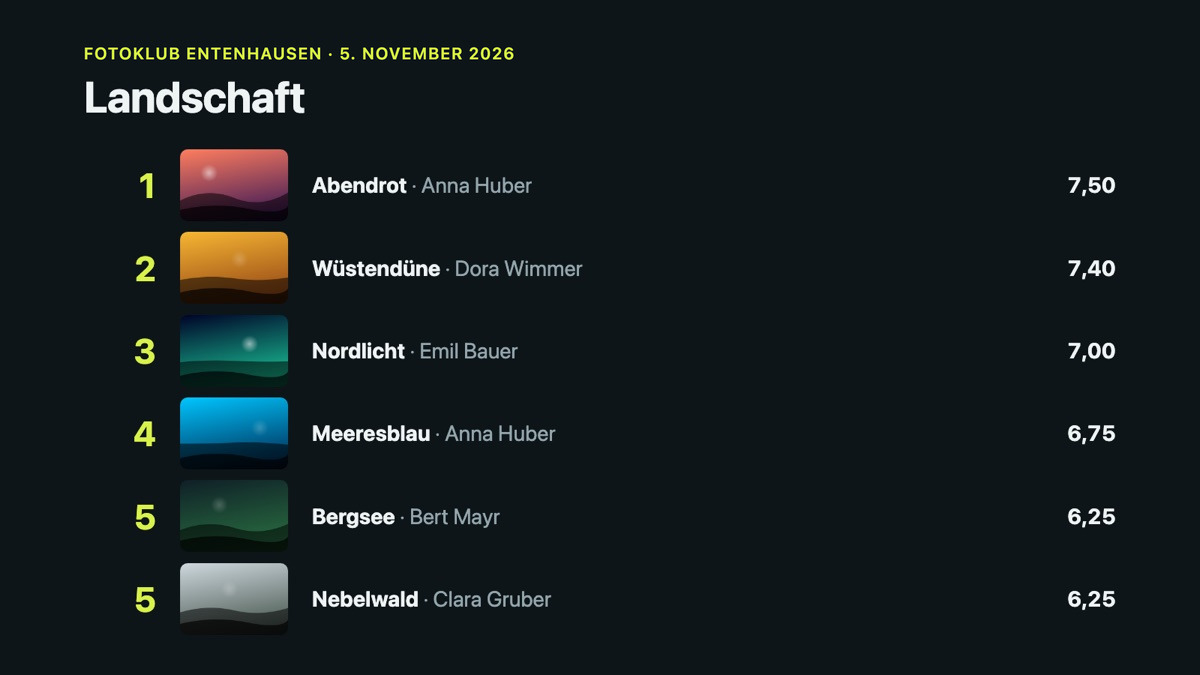
Connected via HDMI. Shows the QR code, the pictures, the vote count and the places.
The members’ phones
iPhone or Android – scan the QR code, choose your name, enter your PIN. No app to install.
Wi-Fi in the room
Laptop and phones in the same Wi-Fi – or the laptop’s own hotspot. Internet is not needed.
How a club evening works
- 1
Prepare
Drag the members’ pictures in. Files like “Title_SHORT.jpg” get their author automatically.
- 2
Join
The projector shows a QR code. Members scan it and sign in with their PIN.
- 3
Vote
One picture after the other, in random order. Everyone taps 1–10 – the next picture comes when all votes are in.
- 4
Discuss
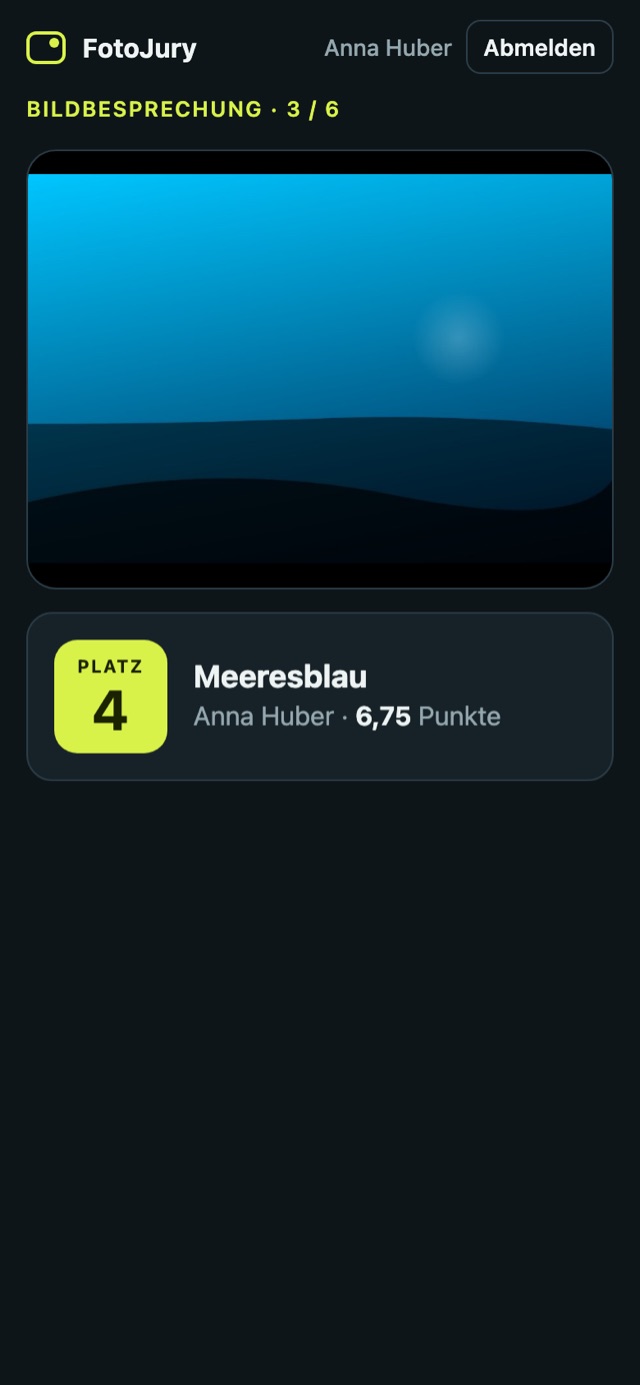
Critique round from last place to first – with author, points and place on the screen.
Made for the club evening
No more counting
No sheets to collect, no typing in. The result is ready the moment the last vote arrives.
Fair scoring
Optionally drop the highest and lowest votes per picture. Equal points share a place.
Not on your own picture
Your phone knows which picture is yours and skips it. The author stays hidden until the critique round.
Moves on by itself
The projector shows “7 / 12 votes”. When everyone has voted, the next picture follows – or press the arrow key.
Guests vote on paper
Guests fill in the printed sheet as before. The admin types it in – it counts like every other vote.
Nothing gets lost
A phone loses the connection or the battery? Reconnect and continue – every vote is stored on the laptop.
Results and export
Places, points and every single vote per picture – as a table and as a CSV file for the club records.
German and English
Deutsch · English
Screenshots



One subscription per club
€9.90per month
or {year} per year
- For the whole club – any number of members
- Unlimited club evenings and pictures
- No app needed – works in every phone browser
- All features and updates included
- Cancel monthly
- Free demo: up to 3 pictures per competition
Prices incl. VAT. FotoJury is just starting – write to us and try it at your next club evening.
Download and try it free
The demo is the full program with up to 3 pictures per competition. With a licence key everything is unlocked – no new download needed.
Windows: unzip, start FotoJury.exe. If Windows warns: “More info” → “Run anyway”. Allow access for private networks.
Mac: unzip, right-click “FotoJury starten.command” → Open (only the first time). Allow incoming connections.
Updates: FotoJury downloads new versions by itself and installs them with one click.
Your pictures stay in the club
Members, pictures and votes are stored on the club laptop. Phones only connect to that laptop in your own Wi-Fi – no account, no ads, no tracking.
Read the privacy policyQuestions and answers
Do the members need to install an app?
No. They scan the QR code on the projector and vote in the browser – on any iPhone or Android phone. Sign-in is with the name and a 4-digit PIN.
Do we need internet at the club venue?
No. Laptop and phones only need to be in the same Wi-Fi. If the venue’s Wi-Fi blocks devices from seeing each other (common with guest networks), the laptop’s hotspot or a small travel router helps. The laptop only needs internet now and then (at least every 60 days) to check the licence.
Can guests vote too?
Yes – on paper, like today. Print the guest sheet with the picture numbers, collect it after the voting and type it in. You can even do that during the critique round: the places are recalculated.
What if a member has no smartphone?
They vote on a guest sheet, or the admin enters their points on the laptop with one click.
Can someone see how I voted?
The projector only shows how many votes are in, never who gave which points. The detailed results with the single votes are only visible on the admin laptop.
How are the points calculated?
The average of all votes, to two decimals. Optionally the highest and lowest votes of each picture are dropped first – how many is set per competition. Equal points share a place.
What do we need on the laptop?
A laptop with Windows or macOS and a projector with HDMI. {brand} is a single program file – start it and the control page opens in the browser.
What does it cost?
{month} per month or {year} per year for the whole club, no matter how many members. Cancel monthly.